The Analysis > Time Simulation > SWMM - Link Results menu option prompts the user to select a link for which results (table and graph) are to be displayed:
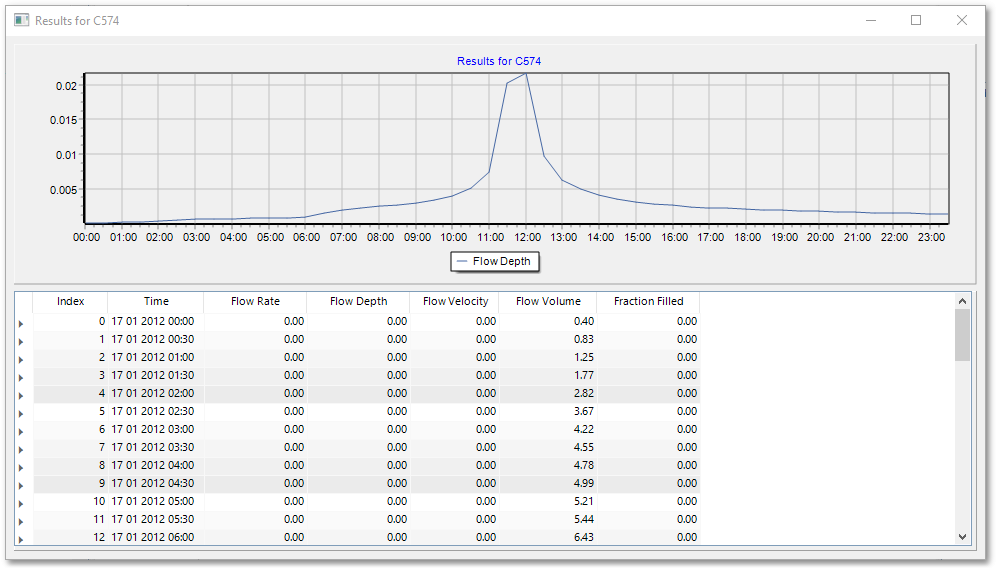
Similarly, Analysis > Time Simulation > SWMM - Node Results menu option prompts the user to select a node for which results (table and graph) are to be displayed.