This function allows a user to define a catchment that drains into a node.
1.Select a node.
2.Go to the function in the menu Model Data > Model Topology > Modify Catchment “Drain To”
3.The user will be prompted to select a catchment.
a.
4.Click on the desired catchment.
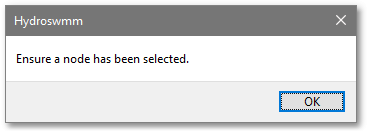
If no node has been selected then the following message will be shown.
To view which catchments drain to which node then run Model Data > Model Tools > Draw Line to Catchment’s Drainage Node