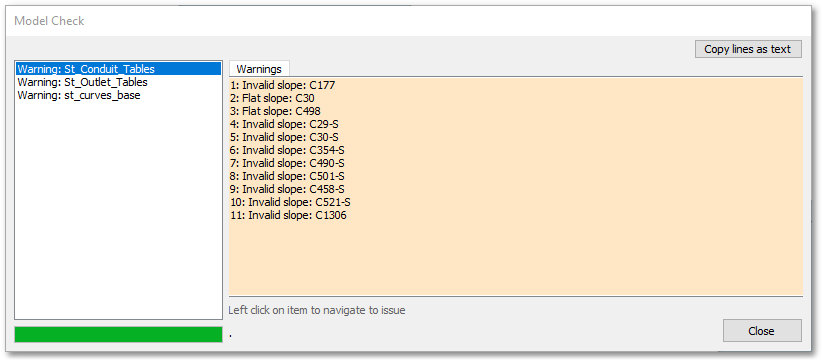
The Check Hydraulic Model function performs a comprehensive hydraulic network check and can be run on the model before conducting an analysis to ensure all required data is in place. This tool is currently only available via the  Check Hydraulic Model toolbar button.
If there are any errors, a Model Check form will appear (see below) listing the warnings and errors in the model. Selecting (clicking on) a listed item will open the relevant model layer table and select the specific model entity that needs a correction. A “warning” will be listed for model attributes which will not have an effect on the hydraulic analysis (and can therefore be ignored), but for real world application does not make sense.