The Model Data > Model Topology > Spatial Manhole Merge function joins manholes, which are within a maximum specified join distance, into single structures. The Maximum join distance can be specified from the ensuing Spatial merge of manholes box.
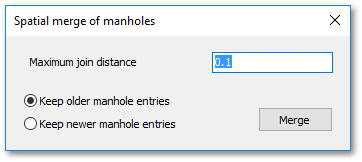
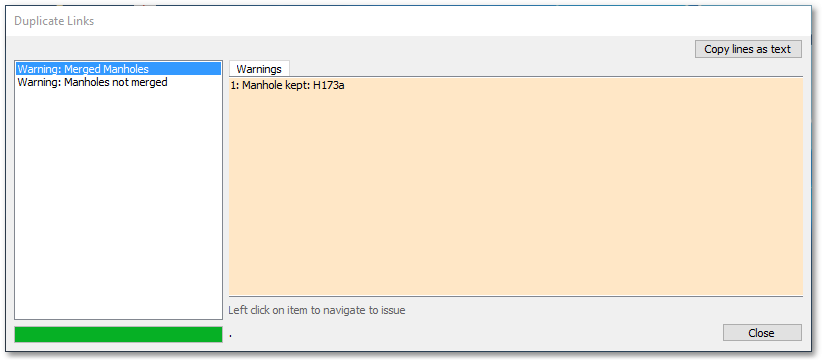
There are options to keep either the older or newer manhole entries. The position of the record in an unsorted state of the Structures table determines if it is seen as older or newer. The ‘older’ records are first, as any new data is added to the table at the bottom. When clicking the Merge button the Duplicate Links box will appear showing a status report on the merge operation. It for e.g. shows which manholes will be kept, and which manholes will not be merged due to issues such as incompatible structure type (it can only merge manhole structure types).
Note, a model update via Model Data > Model Tools > Update > Update Model is required to redraw the model with the spatial manhole merge changes taken into account.
The Spatial Manhole Merge function is similar to the Join Structures function, except that Spatial Manhole Merge operates on all the manholes in the model whereas Join Structures operates only on two specified structures (regardless of the join distance).