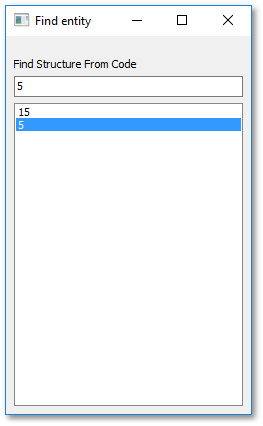
The Model Data > Model Search > Find Structure tool opens a dialog box in which a Structure_Code can be selected from a list of all available structure codes in the model - the program will then zoom to the selected structure. This function can also be accessed by the  Find Structure toolbar button. Note that you can reduce the list by entering a Node_Code (or part of it) in an input box: