Choose the standard Albion polygon selection mode and use the polygon tracer tool (see below) to select all links and structures within a polygon traced around them. (After selection they will be highlighted and will constitute the model selection set).
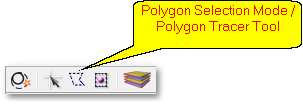
Note, there are various other selection modes to choose from, such as a rectangle, circle, etc. (see Albion 6 CAD User Guide).