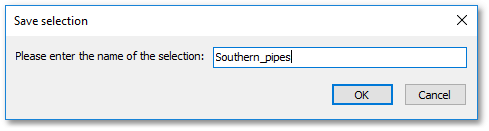
The Model Data > Model Selection > Saved Selections > Save as Named Selection sub-menu item provides functionality to save a reference to the current selection set as a Named Selection. The following input box will appear in which the name of the named selection can be entered.
Also take note that in the model tables (i.e. Gravity Pipe, Rising Main and Structure tables) the set of links and structures as currently selected, can be saved in GIS format (.shp, *sqlite or *.csv ) as described in the Albion 6 GIS User Guide.