Finally, you can save the model input data and results.
To save the model, click on Manage Models > Save Model from the main menu.
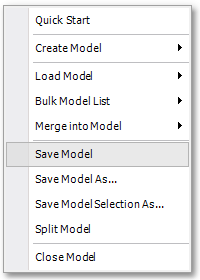
All results and settings pertaining to the model will be saved and be available the next time the model is loaded.
Before starting with the next tutorial, exit and restart the program to start afresh.