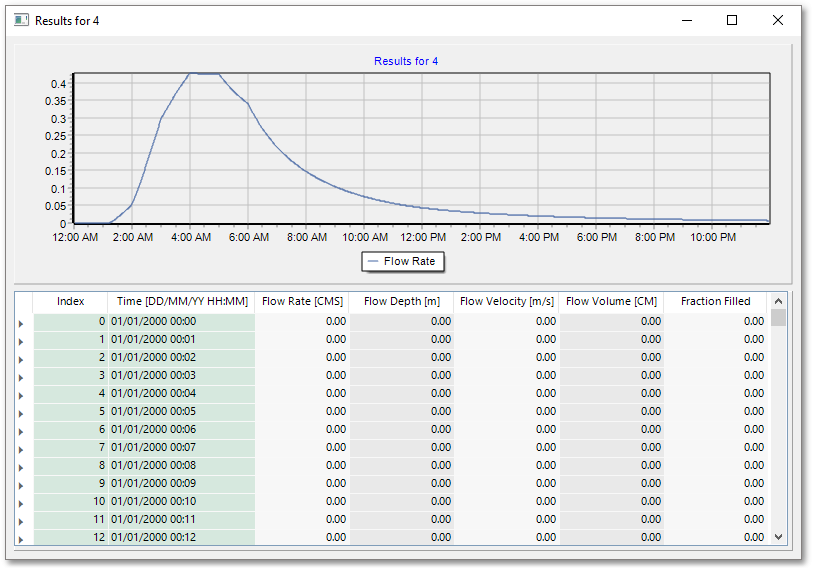
Similarly to the Node results, the time simulation results for each link can be viewed by selecting the node to be queried and then selecting Analysis -> Time Simulation -> SWMM - Link Results. This will bring up a similar time series graph and a table of the relevant result parameters for the selected Link. The graph can also be adjusted by right-clicking inside the graph window and panning.