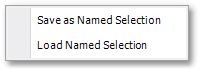
The Model Data > Model Selection > Saved Selections sub-menu items provide functionality to save a reference to the current selection set as a Named Selection.
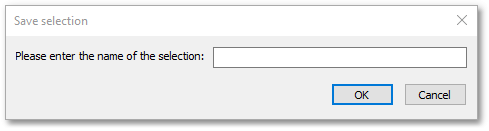
The Save as Named Selection option opens the following input box, in which the name of the named selection can be entered.
The Load Named Selection option provides functionality to load in these saved selections.
Also take note that in the model tables the set of links and nodes as currently selected, can be saved in GIS format (.shp, *sqlite or *.csv ) as described in the Albion 6 GIS User Guide.