In this step, the system is analysed by running a time simulation on the existing sewer system.
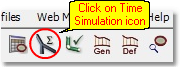
In order to run a time simulation, click on the Time Simulation icon.
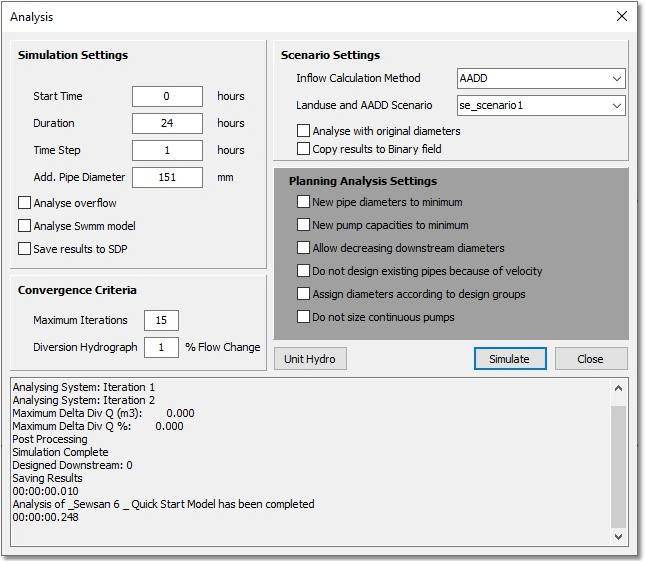
When the following Analysis form is displayed, ensure that the following settings are entered. It should be noted that the items within the Planning Analysis Settings section cannot be altered. They can only be changed when performing a Planning Analysis, but this procedure falls outside the scope of this guide.

Click on the Simulate button to start the time simulation. After the simulation is complete, select Close on the Analysis form, and review the results.