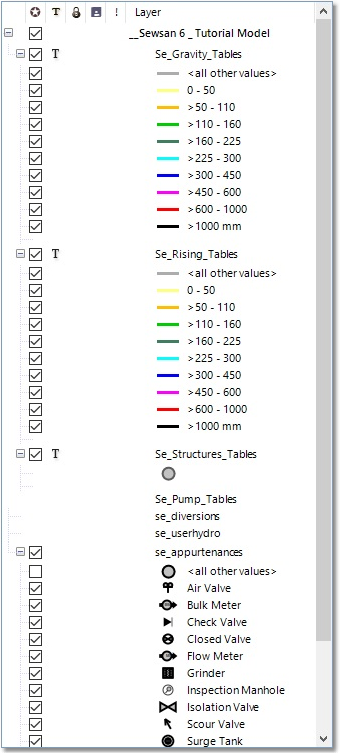
The model is displayed in the graphical interface, in four layers, namely Se_Gravity_Tables, Se_Rising_Tables, Se_Structures_Tables and se_appurtenances. There are also three additional layers, containing non-geometric model data, namely Se_Pump_Tables, se_diversions and se_userhydro.
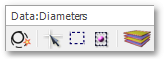
The theming of the model layers (which you cannot see yet, because the model is empty) will be in accordance with the default theme that was specified in the settings, and is displayed in the theme window near the top left-hand corner:
The theme is displayed in the GIS Layer Manager:
The render settings can be edited as required. The example below is for editing the structure labels. Right-click on Se_Structures_Tables > Render Settings > Labels. Make the necessary changes so that the Labels from Field is set to Structure_Code, with a Text Height of 20 (m), and the Text Color set to Red, followed by selecting OK, as shown below:
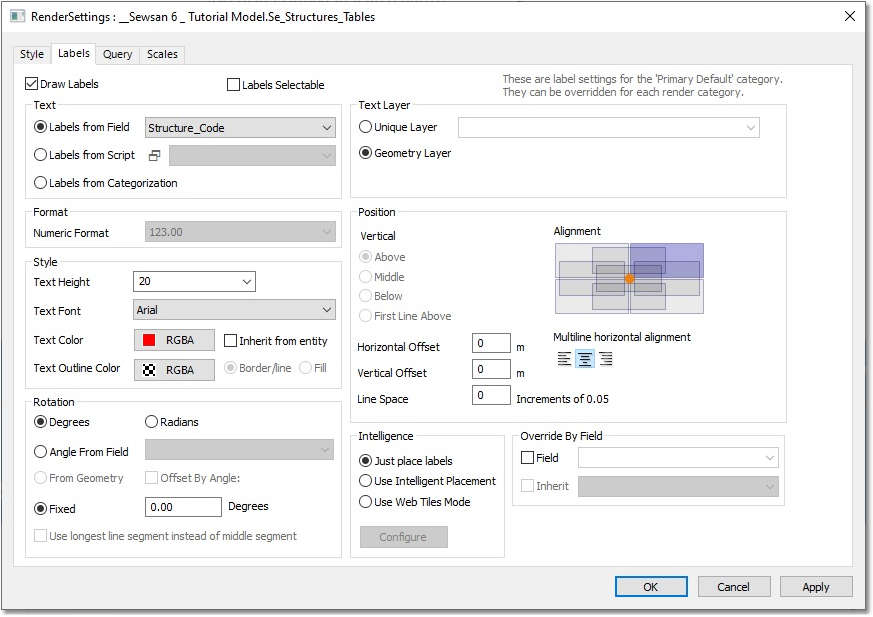
Note that the Labels Selectable checkbox is not checked for the default styles applied in model themes. This setting assists the user in selecting model entities, especially with large text displays.