The General tab under the Model Settings dialog box can be used to:
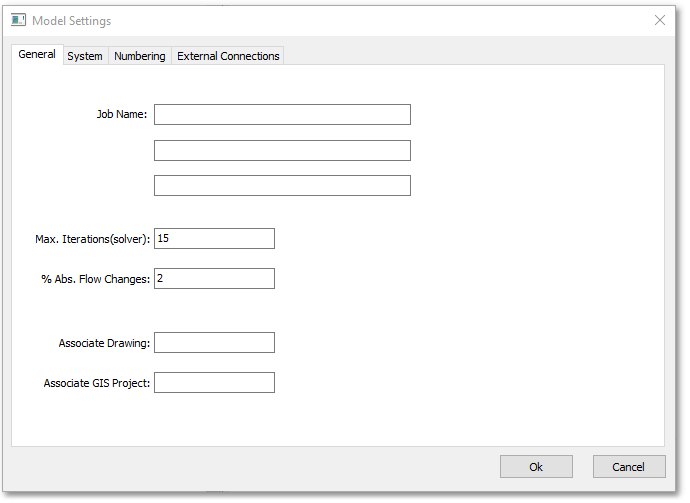
•Enter up to three lines describing a job name.
•Set the convergence criteria for the design simulation:
oMax. Iterations (solver): are the maximum number of iterations allowed.
o% Abs. Flow Change: is the percentage flow change vs. total flow from one iteration to the next.
•The Associated Drawing file for the current Sewsan project can be specified.
•The Associated GIS Project file for the current Sewsan project can be specified.