The settings applicable to the entire project are entered/edited via Model Data > Model Settings. This allows entry into a Model Settings dialog box, which is shown below. The dialog box contains “tabs” or sheets, with the General tab shown as the active one below:
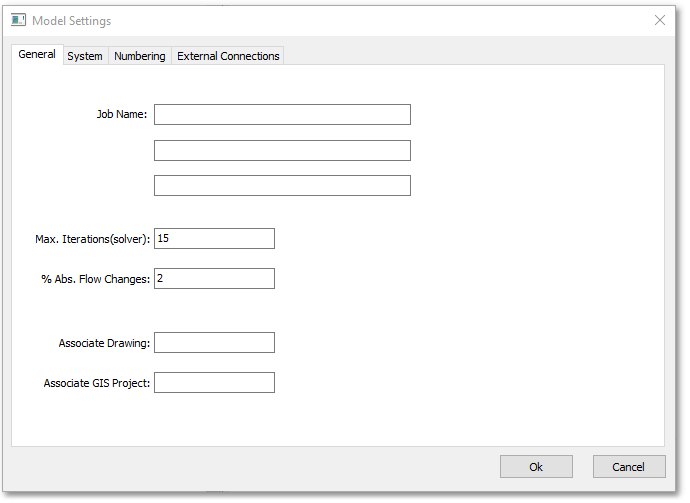
The following tabs are accessible: