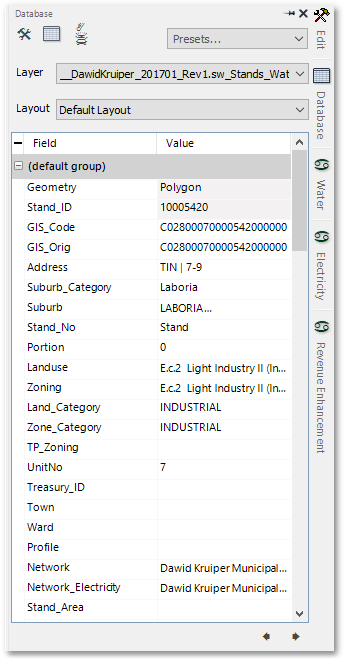
The Stand Info can be displayed/edited for a stand by selecting the stand in the Albion environment and then hovering over the  Database icon to open the Database box (if not already open - note the box can also be pinned, see Albion 6 GIS User Guide). The Database box displaying stand info of a selected stand is shown below:
When clicking on the  Water icon (situated just below the Database icon), the Water Info for the stand will appear:

Also note that similarly the Electricity and Revenue Enhancement Info can be displayed for the stand by clicking on the relevant icons.