Select Pipe 4, and right-click to open the pop-up menu, as shown below. From the list of options in the menu, select Gravity: 4. Then, select Convert, and then Link Type. Several options will be available, but for this step, we want to change the Gravity pipe to a Siphon, thus select Siphon. The entire step is shown below:
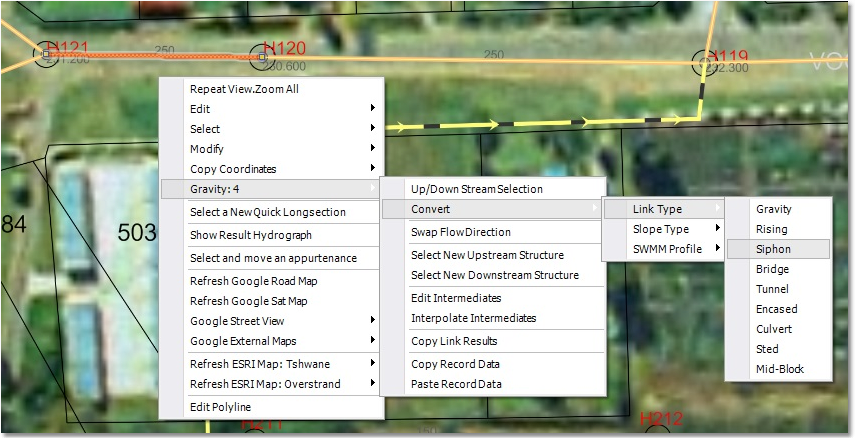
This will result in Pipe 4 changing to a type Siphon, and as such, will be drawn with a special symbol (as per the default theme).
The following two screen-shots are merely for illustrative purposes. You can continue editing your tutorial model again from the next section.
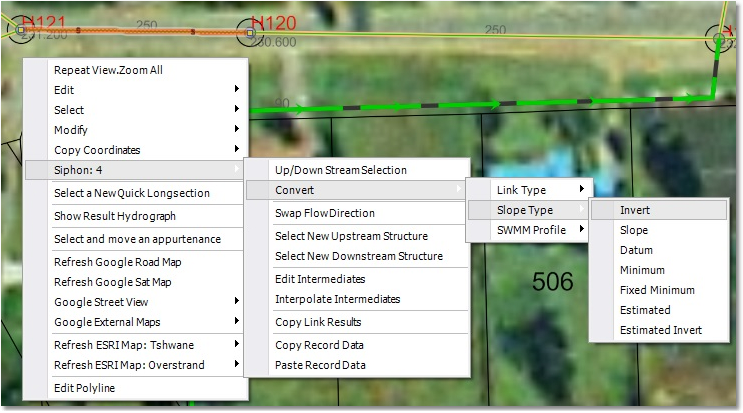
The conversion of “Slope Type” depends on the available data. If the pipe has invert level information at the upstream and downstream ends, then Slope Type = Invert is applicable, as shown below:
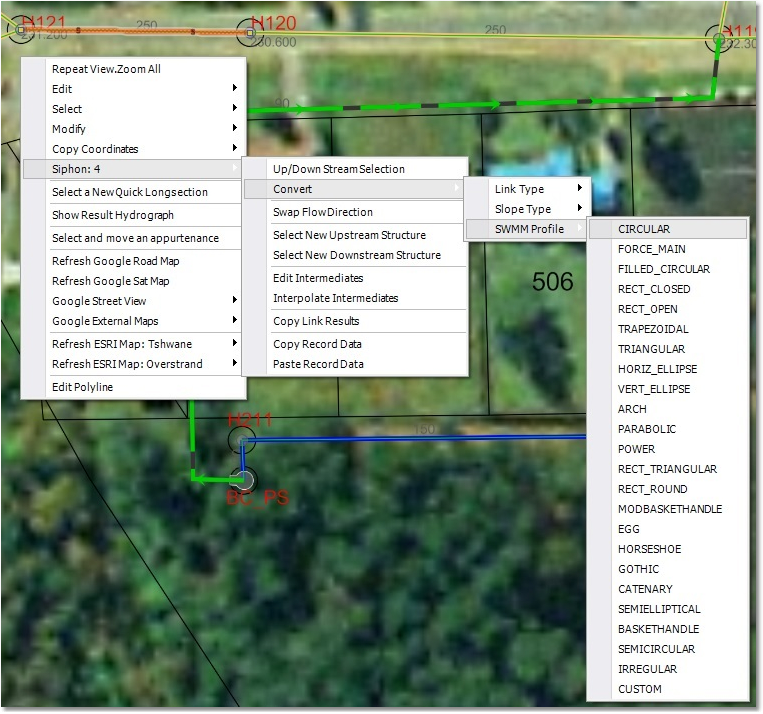
Sewsan assumes that all pipes have a circular profile. Advanced users may want to use SWMM to perform more complex hydraulic analyses, with different geometry profiles, which can be set as shown in the image below: