Existing models can be saved, saved as a new model (with a new name), or a selection of the model can be saved:
•The Manage Models > Save Model saves the active model under the current file name in the standard HydroSWMM zipped model file (*.hlz) or HydroSWMM normal model file (*.hydroslt) formats. Also note when there is no existing model file, Save Model acts as Save Model As... (see below).
•Use Manage Models > Save Model As... to save the active model as a new model, under a new file name.
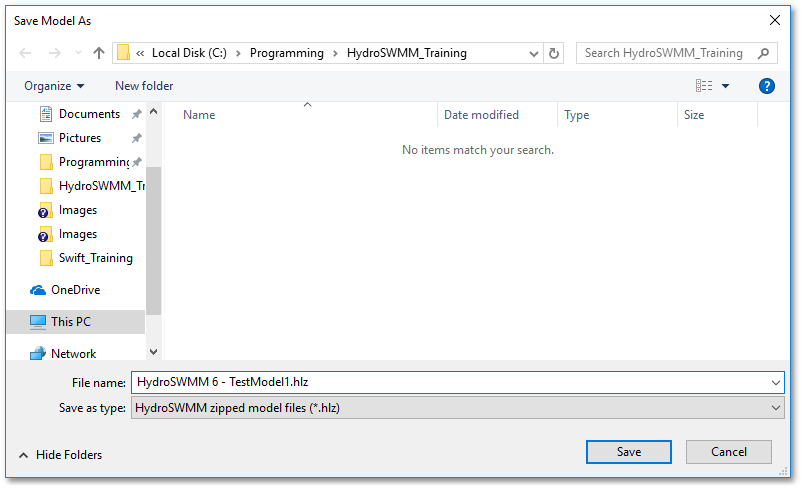
•Manage Models > Save Model Selection As... saves the current selection of the model (as a standard HydroSWMM zipped model file *.hlz or HydroSWMM normal model file *.hydroslt).
•Note, the Manage Models > Bulk Model List sub-menu item with the option Save Loaded Models to List is a useful tool to create a batch file, viz. Bulk Model List File (*.BMLF), which contains the file names and paths of all currently loaded models. This batch file can then be used for a subsequent batch load task.